1
Start with the core idea
Use the short version when you only need a reminder of something you have seen before.
Move between a quick reminder and a fuller lesson without leaving the idea you are learning. Planned for the competition courses.
See how it works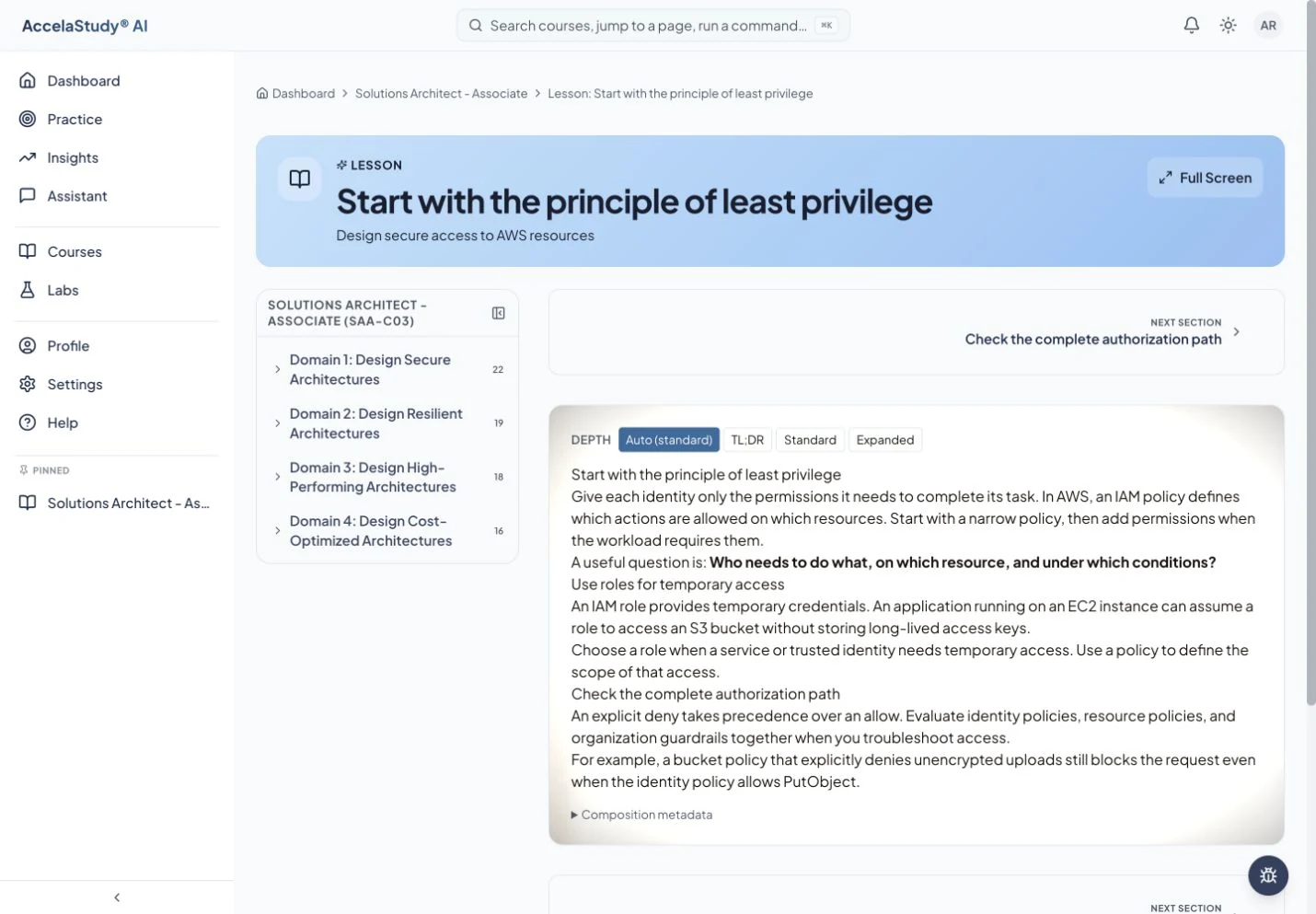
Screens from today’s AccelaStudy AI study app, with an illustrative learner in certification courses. The competition courses are coming soon.
Sometimes a definition is enough. Sometimes you need a worked example and the reason it works. Lesson Aperture is planned to let you choose the depth of each lesson in the competition courses, whether the idea is a word, a clue, a concept, or a problem.
Use the short version when you only need a reminder of something you have seen before.
Choose a fuller level for examples and context. The lesson stays on the same idea.
Use the explanation to close the gap, then apply it in your next activity.
Planned for the competition courses, which are coming soon. The screens on this page show today’s study app with an illustrative learner.
AccelaStudy AI Science Competitions is coming soon. Use Notify Me and we'll email you when it opens.